Advertisement
Click to download now, finish the installation quickly, and directly unlock the all-round experience
Advertisement
Screenshots
Click to download now, finish the installation quickly, and directly unlock the all-round experience
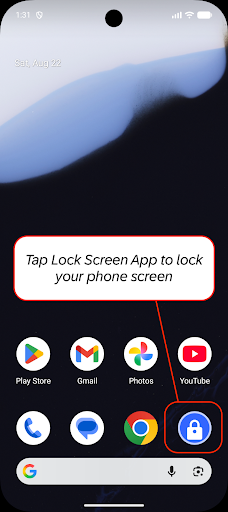
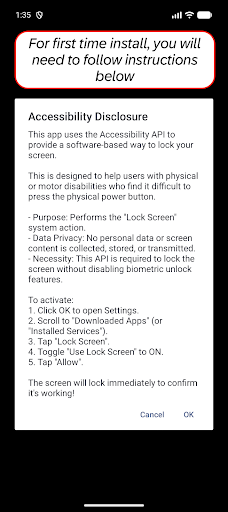
Lock Screen is a Tools utility from olalab that lets you turn off and lock your phone through the app rather than using its physical buttons. It may suit people who find those buttons difficult to press, or who want another way to lock the screen. The app’s stated purpose is narrow: it performs the lock action, rather than offering a wider set of phone-management features.
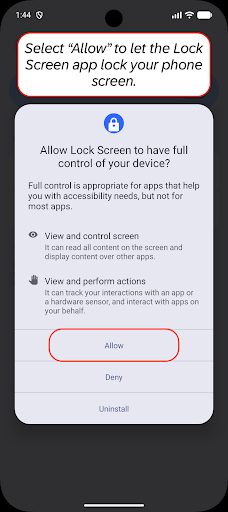
The app uses Android’s Accessibility Service to carry out the system-level screen lock. The developer says this method is used so that, on Android 9 and later, locking the phone does not invalidate biometric unlocking such as fingerprint or face recognition. The service is described as being used only for the lock action, not to collect, store or share personal or sensitive data.
On older Android versions, Lock Screen can use Device Administrator permission as an alternative. That is a meaningful trade-off for a simple utility: it needs elevated access to lock the device. If you use that older-version method, you may need to remove the app’s administrator status in your security settings before uninstalling it.
Lock Screen has a 3.7 rating from 20,090 ratings and more than 10 million installs. Those figures suggest broad use, but they do not tell you whether the app will suit your device or how reliably it will work in your setup. The available details do not specify its pricing or whether it shows ads, so those points cannot be assessed here.